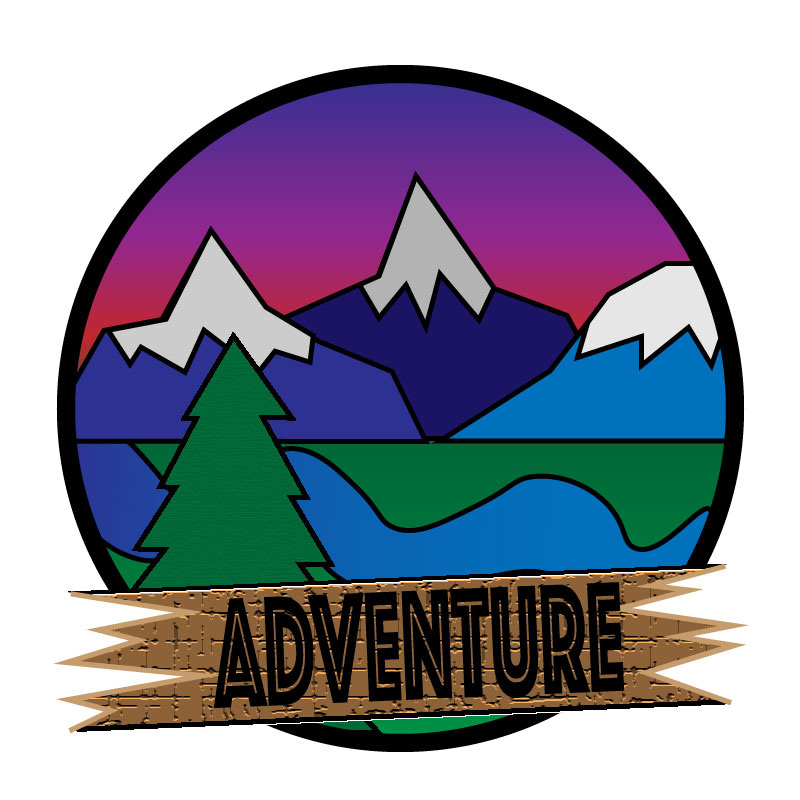
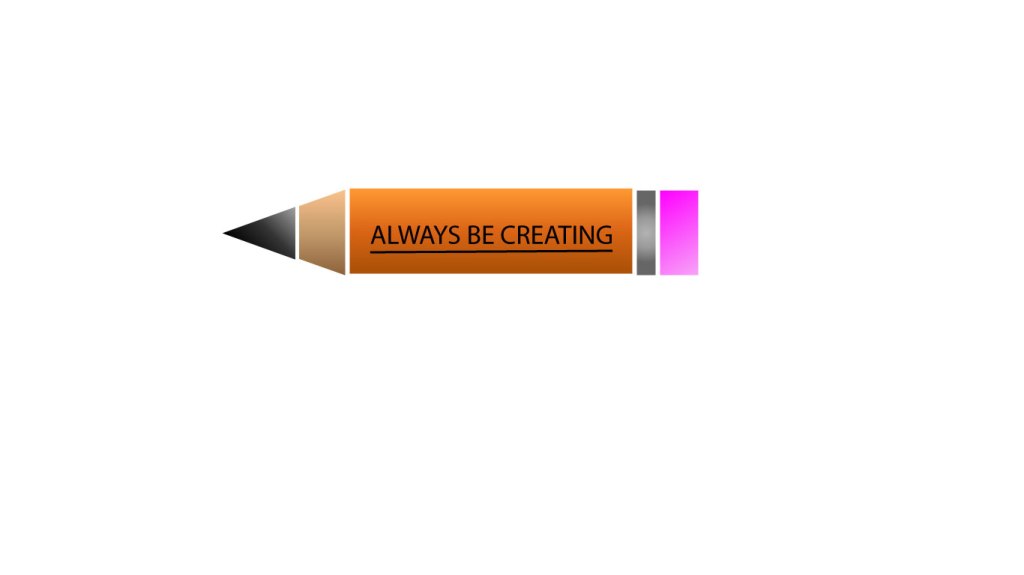
I really enjoyed making this project. At first the tutorials seemed complicated, and I thought to myself that I would never get the hang of it. But once I started working on my own my piece really started to take shape. The hardest thing about the tutorials in my opinion was the gradient tool. Every time I tried to fix the gradient on something it wouldn’t work out. Trying to make an image 3 dimensional like the pen was proving to be a very hard challenge.
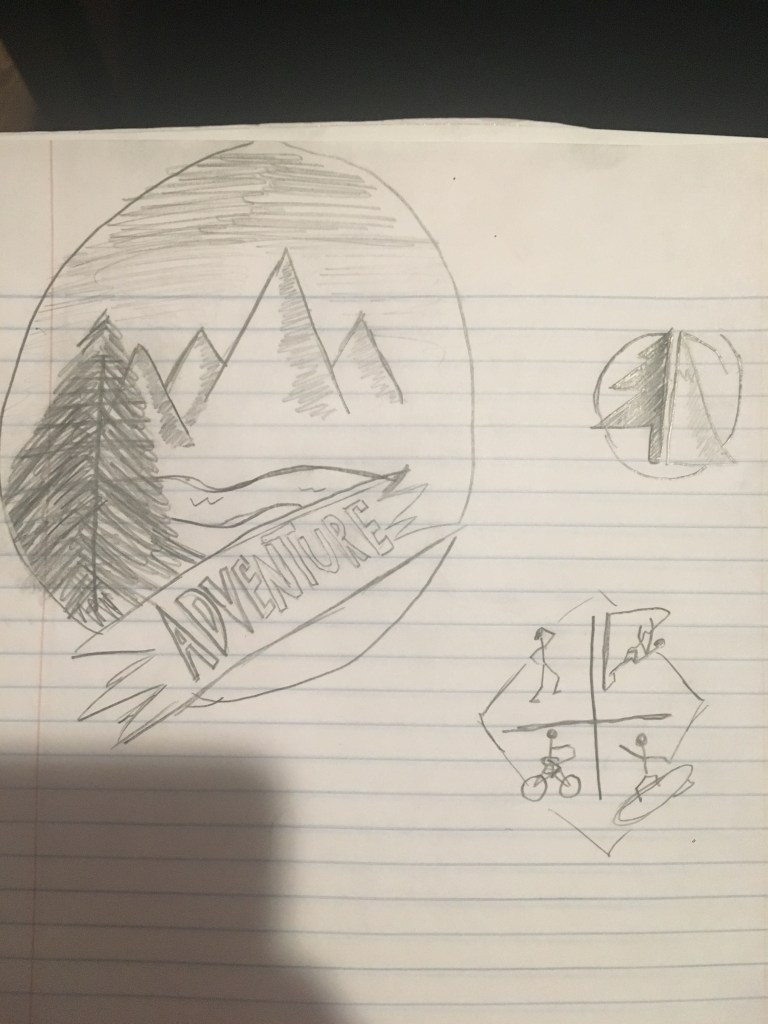
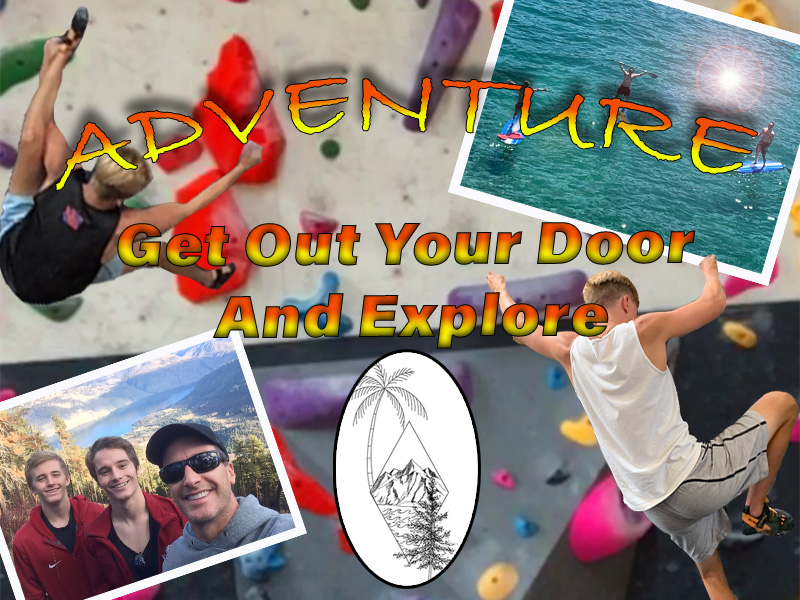
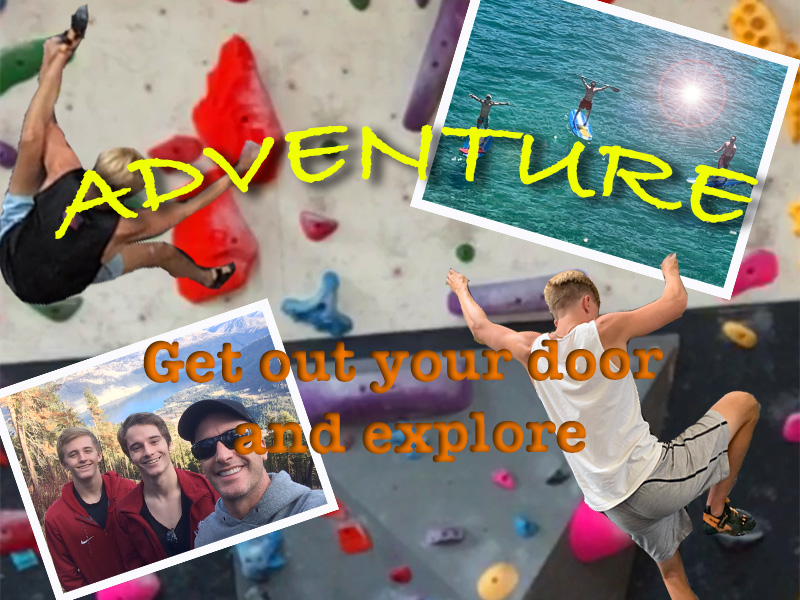
once I wrapped my head around how it worked it became very fluid and easy to work with. For example, the sunset in my photo is the gradient tool at work. I simply selected the colors of a sunset and fortunately it worked out. Most of my inspiration for the peace comes from all of the prior research I had done figuring out my tattoo. So, I already had an idea about how it was going to look based off of that research. Something I couldn’t quite figure out though was how to change the gradient of the letters in “adventure”. I tried so many different approaches to change the gradient from red to yellow, like in my last assignment. But for some reason I couldn’t figure out what went wrong. I will be attending class at some point next week to get the answer to my questions. But overall, I really enjoyed the freedom that this project allowed me. I think that I learn more when given freedom to experiment with the program rather than doing the tutorials. Problem solving really makes these projects what they are. For example I wanted every object behind the circle, but I also needed the grass and sunset behind the cutouts of the trees and mountains, so a solutions that I figured out was to make two layers, one of the layers was for the circle surrounding the image, and the other was for the gradient behind all of the cutouts.

 Griffin's com 210 blog